


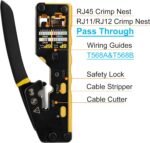
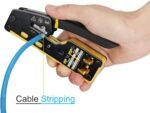
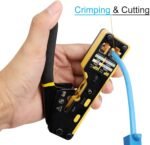
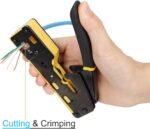
-
 Standard delivery
-
Express delivery
-
 Warranty 6 months
Standard delivery
Express delivery
Warranty 6 months
No account yet?
Create an Account![[Bulk buying set] Panasonic LAMDASH shaver cleaning charger dedicated cleaning agents -6 pieces- (japan import) by Panasonic](https://xampda.com/wp-content/uploads/2025/10/bulk-buying-set-panasonic-lamdash-shaver-cleaning-charger-dedicated.jpg)


 Power Bank
 Mouse
Mouse
M. Pronk –
Mijn UTP cat 6 internetkabel naar de aanbouw was beschadigd. Ik moest het stukje beschadigde kabel met UTP stekker eraf knippen. Een elektricien vraagt tegenwoordig goudgeld om een nieuwe ‘UTP stekker’ aan je kabel te monteren. Op Youtube vond ik een tutorial waarin mbv deze gereedschapset met UTP stekkers een stekker aan een UTP kabel werd gemonteerd. Kinderlijk eenvoudig als je (na het bekijken van de video tutorial) precies weet hoe het moet. De set verdient zich dus direct terug!
mr d curtis –
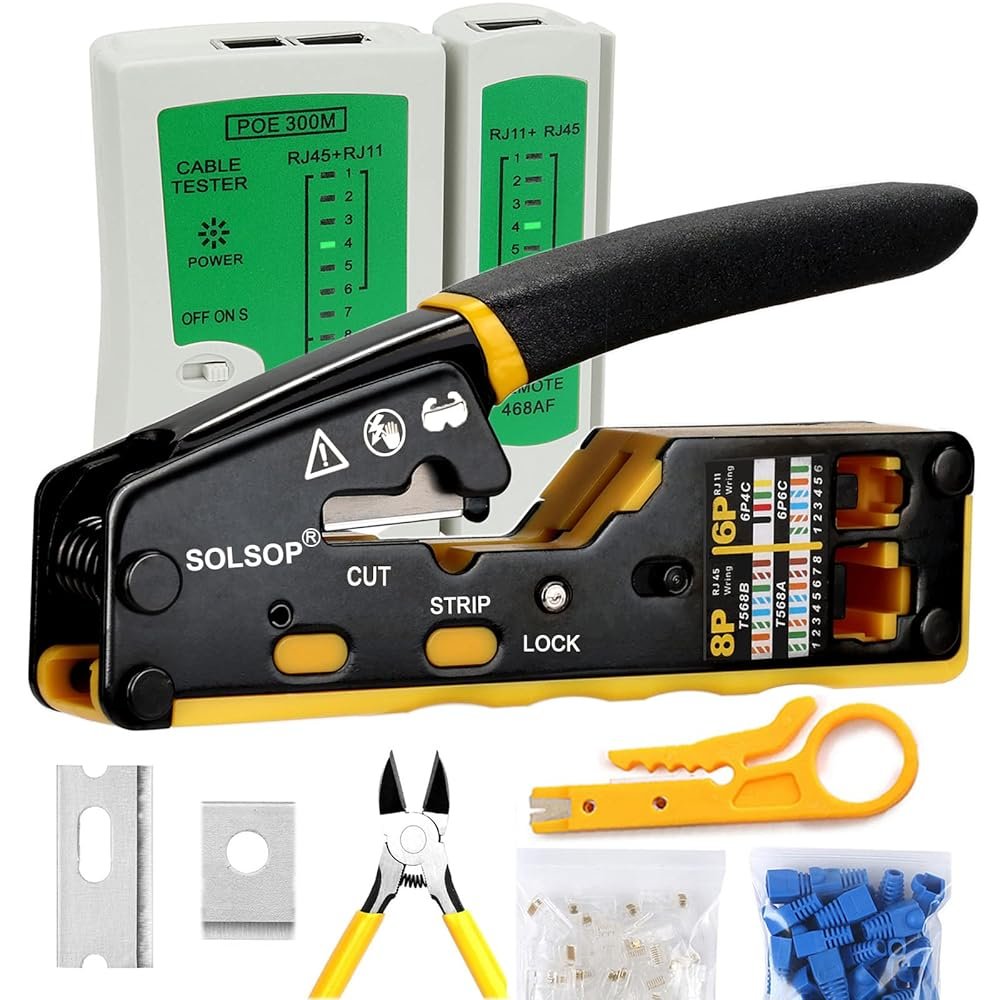
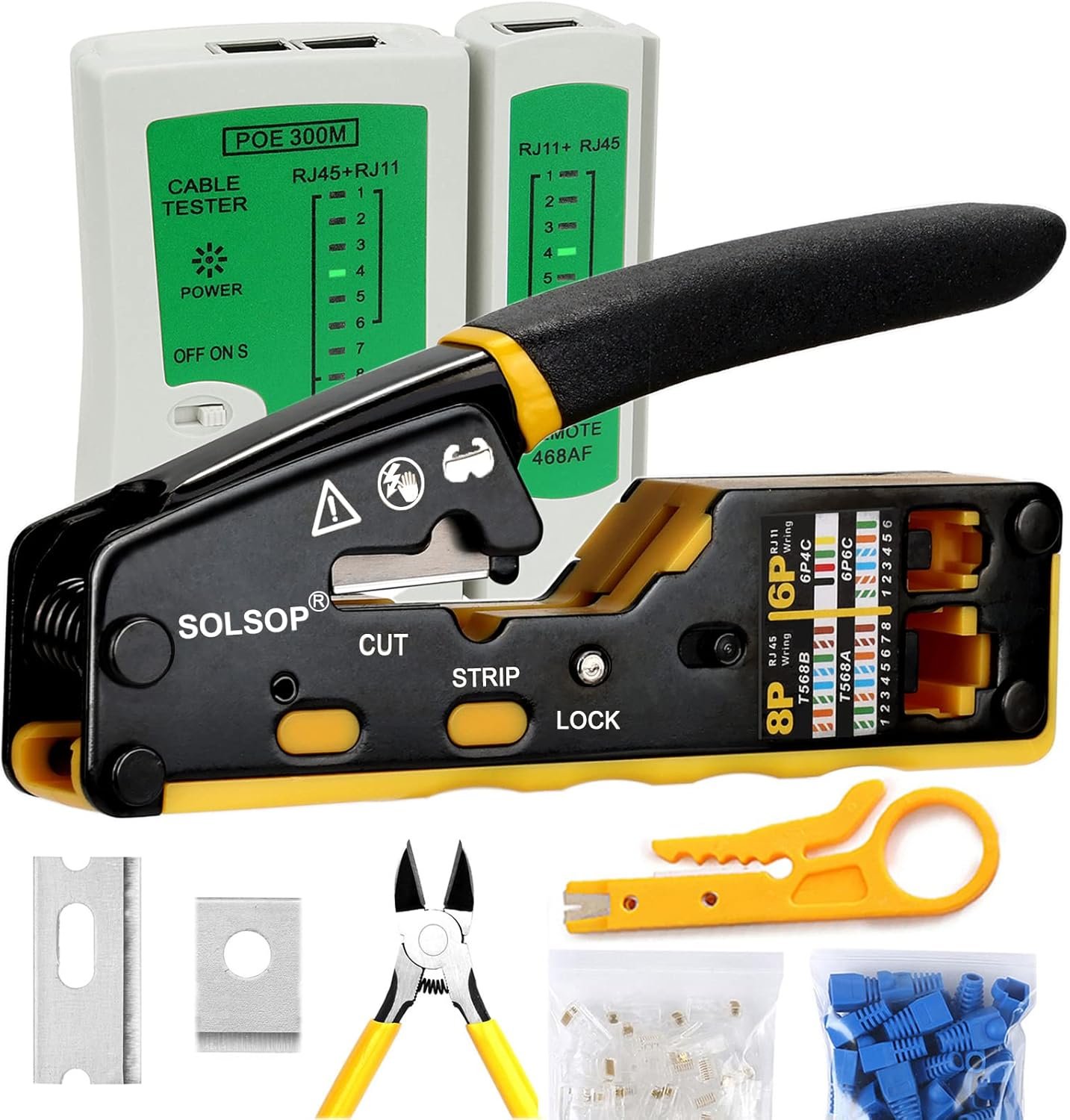
I bought the Solsop Crimp Tool to add the RJ45 connectors to a Cat 6 ethernet connection I was running. Job completed now and all OK. Most reviews on here rate the tool as good but a few reviewed gave me cause for concern. With some trepidation I set about making a test lead to practice and develop my skills for fitting the connectors and using the crimp tool. I needn’t have worried as all worked out well and the tool performed well. It is worth making a test lead because as I found, some skill is needed to thread the wires into the connectors and to achieve a fully working lead capable of passing the continuity test. Unlike some others, I found that I could achieve a good quality cable cut using the tool, use the tool to cut the cable outer sleeve without damaging the wires. I was also able to make a successful crimp for every connector I fitted.
I would offer the following advice to those attempting to make off the cable and threading and crimping the connectors. Hope you find it usefull:
1) Make up a test cable to develop your experience prior to proceeding with the actual job
2) Don’t be too heavy handed whilst using the crimp cutter to strip the Cat 6 cable. It is easy to apply too much pressure and end up damaging the cable wires, You can always cut back and start again provided you have provided sufficient additional cable length.
3) Threading the wires in the right order into the connector is tedious and fiddly. It helped me significantly by ensuring the wires are long enough to be held between the first finger and thumb with sufficient length to enter the guide channels within the connector. Also it is essential to ensure the wires are straight and the twists in the wire are smoothed out. Otherwise you will never get the wires to enter the connector. I used the plastic covered shaft of an electricians screwdriver and my thumb to stroke the wire and pull out the curly bits. Also essential is trimming the wires straight across to ensure they all enter the connector at the same point. Otherwise some of the wires will not enter.
4) After entering the wires in the connector, make sure any wires that have not fully entered the connector are pulled through to remove any kinks within the connector. Otherwise these wires will be pulled tight during the crimping and you will not get a clean flush cut end at the connector tip.
5) Check that you have the connectors the right way around (the connector spur to be furthest away from you with the brown wire on the RHS), otherwise although the wires are in order they will be wrong way around. I made up two connectors incorrectly because I was focussing too intently on the overall crimping process.
6) You must push the crimp tool handle fully closed to achieve a good crimp. It helps to place the tool on a firm surface and push down. Otherwise a poor crimp is the result and the wire cut off will be uneven. Also ensure the connector is pushed fully home into the connector socket within the crimp tool prior to crimping.
Watchman –
The wire stripper part of this is useless. Doesn’t work.
J. Gillett –
This isn’t a bad little kit as a ‘my first networking tool set’. It has everything you need to get started. The crimp tool, the main component, is good; worked fine for me for the 6 times I’ve used it so far – it took me a couple of test attempts to remember how to crimp – last time was about 8 years ago…and I’d lost my old crimp tool, hence buying this.
The main takeaways – passthrough connectors make crimping a hell of a lot easier than the old type. You can expose a couple of inches of wire from the sheath, alight everything by hand and poke it through the connector, then check after. Works fine. recommended.
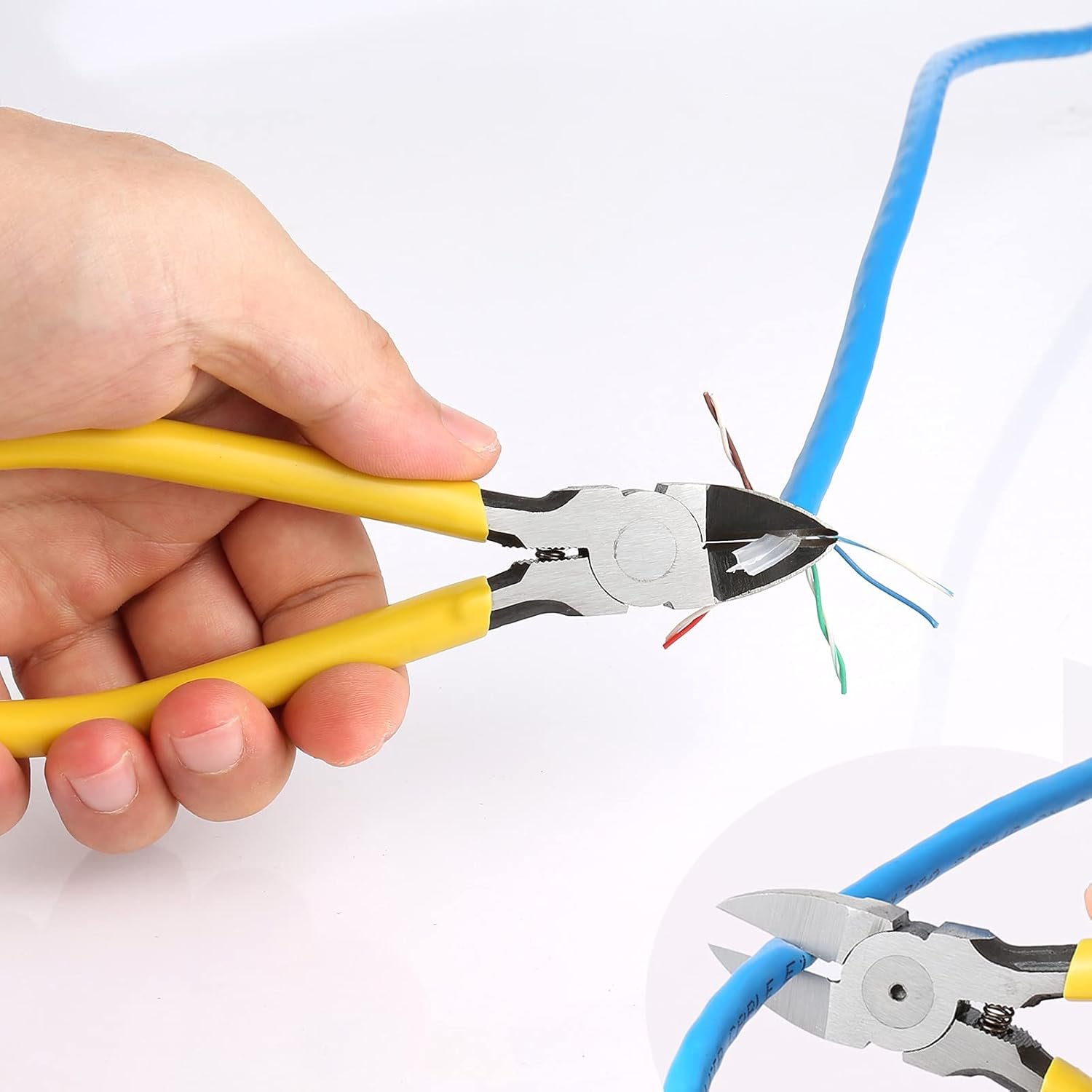
The side cutters are also quite nice and cut flush.
I’d buy the dedicated tool for cutting cable sheath – it’s about $5 and much nicer than the one included.
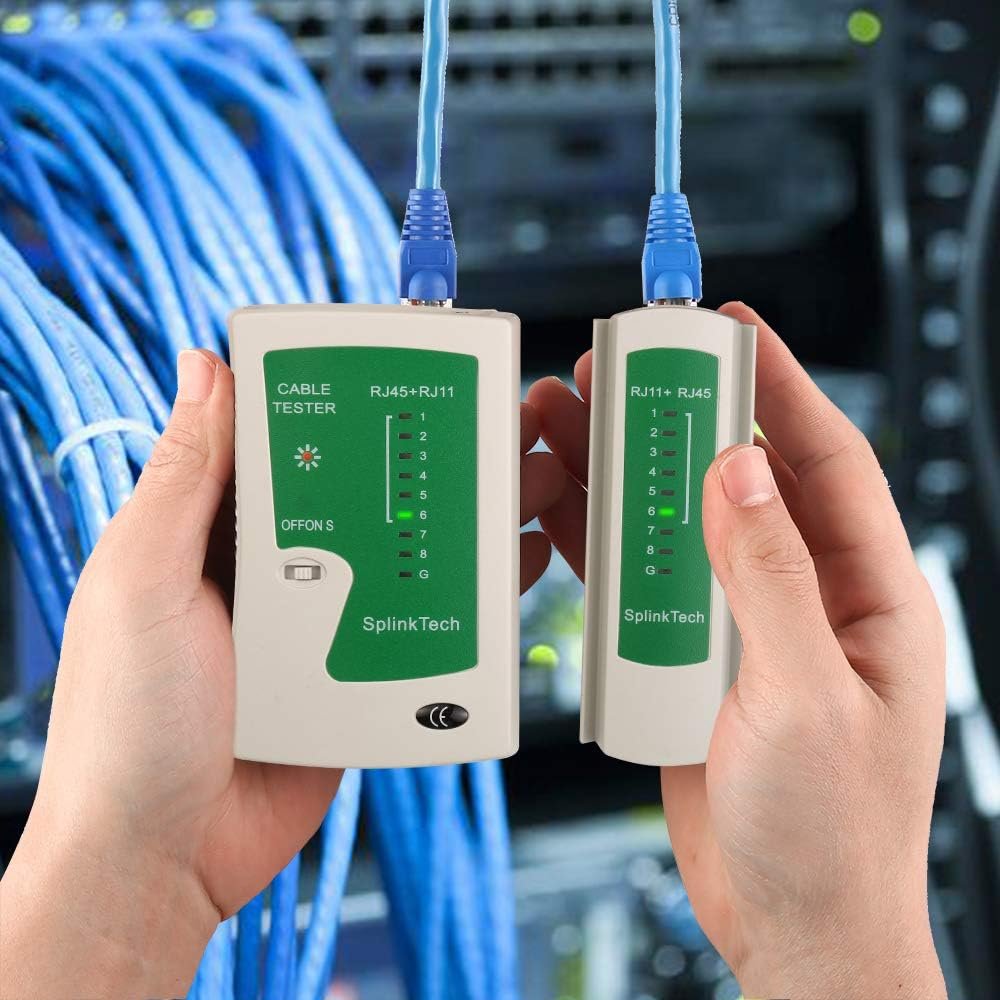
The network tester works, but I’d replace it with one that tests and gives a notification if there’s a crossover, or open circuit or other fault; this just cycles through each wire in turn, which limits you in how you can test; can’t easily test one end of a cable is it’s not next to you to look at the remote display.
The supplied cable boots are fine. The crimp ends are cheaper than I’m used to, but work .
Overall, it’ll serve well for home use. If you need to use it more than a few times, get a better cable stripper, upgrade the tester and get nicer crimps ends.
Jan Johansson –
Prisvärd. Liten och smidig.
Ryan Case –
I haven’t used the crimpers. I really only wanted the cable tester, but for the price vs other products why not get the crimper for later use too?
I like so many have been working from home during COVID. My kids are also home from school. There were many times I would be seeing a patient over telemedicine and the browser would crash. I finally tracked that down to a bad stick of RAM. Replaced that and the browser crashes stopped, but my internet just wasn’t fast enough to chart, have video conference, and have the kids doing all kinds of things. I upgraded, but was still only getting 100mbits at my wired desktop. After many calls to the cable company and a lot of trying this and trying that, I realized that my old Netgear router only had 100mbit ethernet ports on it. So I did my research and purchased a Ubiquiti gigabit router. See a separate review for that amazing piece of kit. Problem solved, right? Wrong. I would get gigabit speeds for a few minutes then it would drop back down to fast ethernet.
The day this product came, I put batteries in it, tested a couple patch cables so I knew they were good, then tested the cable run from my office to the closet with all the networking equipment in it. Turns out I had wired the wall jack in the office quite wrong. Fixed that with a little Googling. Then tested again. #8 wire wasn’t working. Went to the other end and fixed that. Then, #6 wire wasn’t working. (Most likely from manipulating the jack to fix #8 wire.) Fixed that. And…. viola!! I now get full internet speed in my office. The kids are pretty much still limited to 100mbits as their devices are all wifi and the WAPs tap out at that speed I believe, but I have had no further slow downs while working.
If you do your own network cabling, this is an inexpensive tool that does what it is supposed to, and will alleviate a lot of headaches and hair pulling.
As I said, I haven’t used the crimpers yet, but they have a good heft to them. They feel quality, which was surprising at the price point. I expect them to do their job just fine when the time comes.
Best part, I didn’t have to watch for the cable guy to come between noon and four, to interrupt my work and eventually tell me the problem was my poor wiring.
Uwe Johann –
Die verwirrende Auswahl an Crimpzangen und Co. und die weit auseinandergehenden Preise und Rezensionen sind für den Einsteiger echt ein Problem. Vor allem, wenn man sich noch durch den Dschungel von Cat5 bis Cat7 oder mehr kämpfen muss, oder durch die Kabelbelegung T568B oder A. Ich hab irgendwann das Vergleichen aufgegeben und einfach auf gut Glück dieses Set gekauft: Nicht teuer, aber auch nicht das allerbilligste.
Meine Erfahrung: Man bekommt eine ordentliche Grundausstattung für den Einstieg. Natürlich ist Profi-Werkzeug besser, aber wenn man nur gelegentlich mal ein Kabel verlegt und zwei Stecker dranmachen will, reicht dieses hier aus.
Die Multifunktions-Crimpzange ist prima, ich hatte keine Probleme. Man muss als Neuling eben erstmal rausfinden, wie man sie bedient. Klar, nach 200 mal Crimpen wird bestimmt was wackeln, aber der Start lief reibungslos.
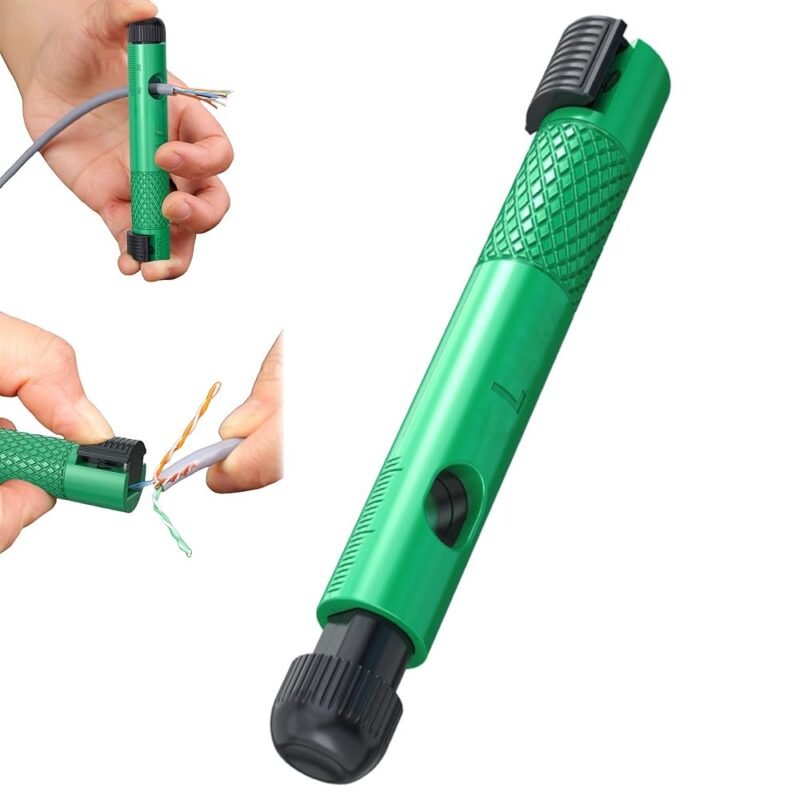
Der Seitenschneider zum Abknipsen ist gut. Sehr gut funktionierte das eigentlich etwas klein und billig aussehende Abisolier-Werkzeug. Da war ich sehr positiv überrascht, wie leicht das ging. Beide Funktionen, Seitenschneider und Abisolierer, bietet auch die Crimpzange. Ich fand die Einzelwerkzeuge aber etwas besser.
Eine kleine Einschränkung gibt es nur beim Netzwerktester, der leider ohne Batterie geliefert wird (eine 9-Volt-Batterie hat nicht jeder zuhause). Den Preis muss man draufrechnen. Zudem ist es nur ein ganz einfacher Tester, der aber immerhin anzeigt, ob alle acht Drähte plus Erdung angeschlossen sind. Kompliziertere Probleme kann man damit nicht lokalisieren. Ist aber auch bei DEM Preis ein bisschen viel verlangt. In meinem Fall fehlte mir einfach das Wissen, dass sogenannte „Verlegekabel“ nicht zwischen zwei klassischen RJ45 Steckern, sondern zwischen zwei Steckdosen laufen müssen. So zeigte er bei mir immer „alles perfekt“ an, aber einen Netzwerkkontakt gab es erst, als ich spezielle „werkzeuglose“ Stecker verwendete.
Ebenfalls dabei sind auch noch 50 rj45-Stecker und 50 passende Abdeckungen. Die mitgelieferte Anleitung auf einem kleinen Faltblatt ist dagegen eher mau.
Neben der fehlenden 9-Volt-Batterie wäre noch eine praktische Werkzeugtasche in Etui-Form eine tolle Sache. Zudem habe ich noch eine Flachzange zum Glätten der Drähte genutzt.
Fazit: Für den Einstieg ein ganz ordentliches Set mit gutem Preis-Leistungs-Verhältnis.
Purple Griffon –
This set works extremely well. The dykes are very sharp and easily cuts wire or, rather sorprisinly, the string reinforcement. As these allow the wires to pass through you can easily tell if they are in the correct order. The crimpers work well and cut the wire evenly. If you don’t have the plastic bd firmly seated in he boyfriends of the crimped, it will cut it ragged – which I suspect is the issue with some of the other comments. I had this happen twice and the dykes took care of uncut wires. These seem well built. If you’re a pro you may need Klein, but these worked for doing a house.