








-
 Standard delivery
-
Express delivery
-
 Warranty 6 months
Standard delivery
Express delivery
Warranty 6 months
No account yet?
Create an Account![[Bulk buying set] Panasonic LAMDASH shaver cleaning charger dedicated cleaning agents -6 pieces- (japan import) by Panasonic](https://xampda.com/wp-content/uploads/2025/10/bulk-buying-set-panasonic-lamdash-shaver-cleaning-charger-dedicated.jpg)

 Power Bank
 Mouse
Mouse
LJS –
Jadore
M.C. –
Works great, had some problems setting up the connection bevor the wifi. Had to use a Cable to connect laptop with printer. Prints good quality. Good size
Amazon Customer –
Purchased for occasional use – not difficult to set up. Slow to print.
Romi –
It’s easy to install, I didn’t have any issues with that and so far it been pretty good.
Judy B –
not easy to set up had to spend 4 hours with online help but got an additional 3 months of free ink
Aimee –
Follow instructions step by step. Magically the printer printed further instructions after I completed the instructions in the box. There is not a hard wired cable to connect to your pc with but the printer has its own WiFi network so connecting wirelessly is a breeze. As long as you download the hp smart print app and install the printer as a new printer there shouldn’t be any problems with it. I can see why there would be mixed reviews though. Missing one step throws everything off. I thought I was taking a risk purchasing a frequently returned item on sale even. But it all worked out. It’s compact, quick and easy to use. I haven’t had a paper jam yet but I am only printing pictures …not lots of paper work. The color quality is superb as long as you haven’t over edited the photo.
Catherine Scherm –
You know how printers sometimes just stop working and start giving you issues for no reason? This one doesn’t! It has been super reliable thank God. No random errors, no connectivity headaches.
It prints, copies, and scans with ease, and the wireless setup was straightforward. Definitely a printer you can count on without the usual printer drama.
Yudini Diaz Smith –
Easy to set up. Can print from anywhere. Got it for a good price.
Yudini Diaz Smith –
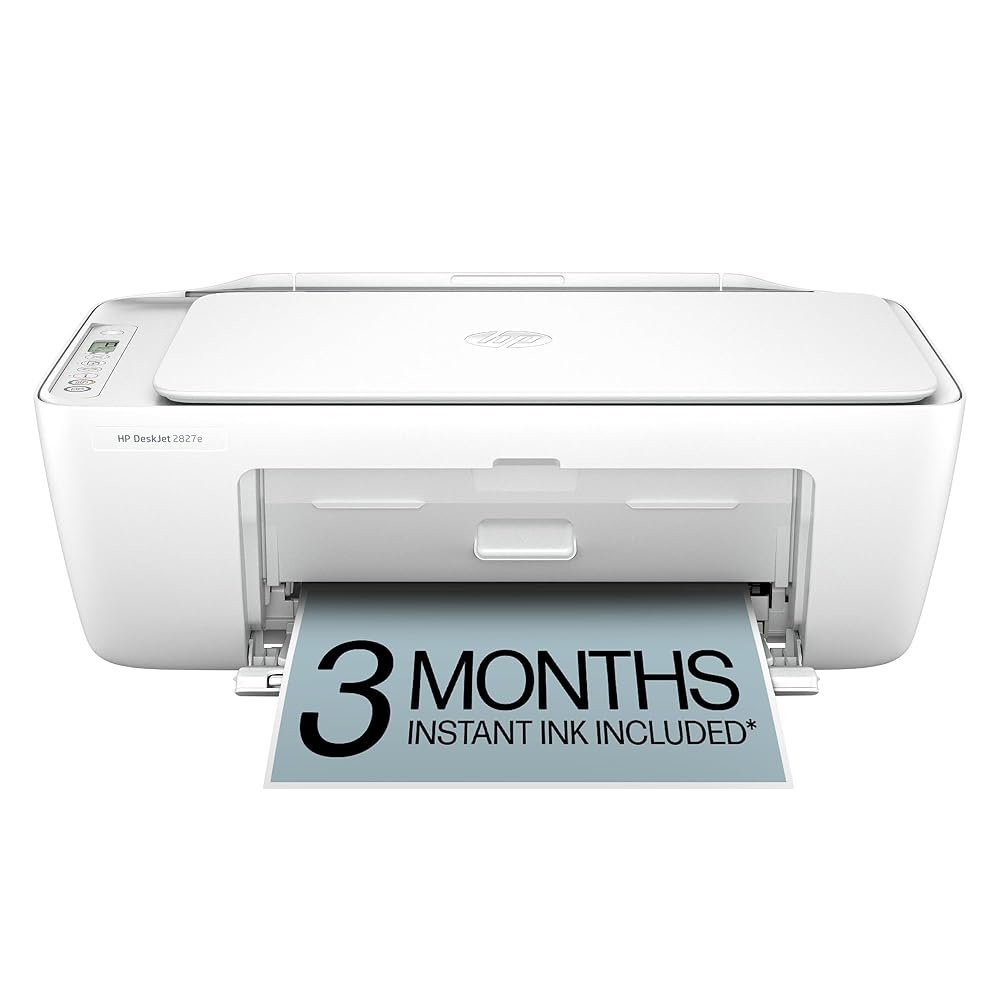
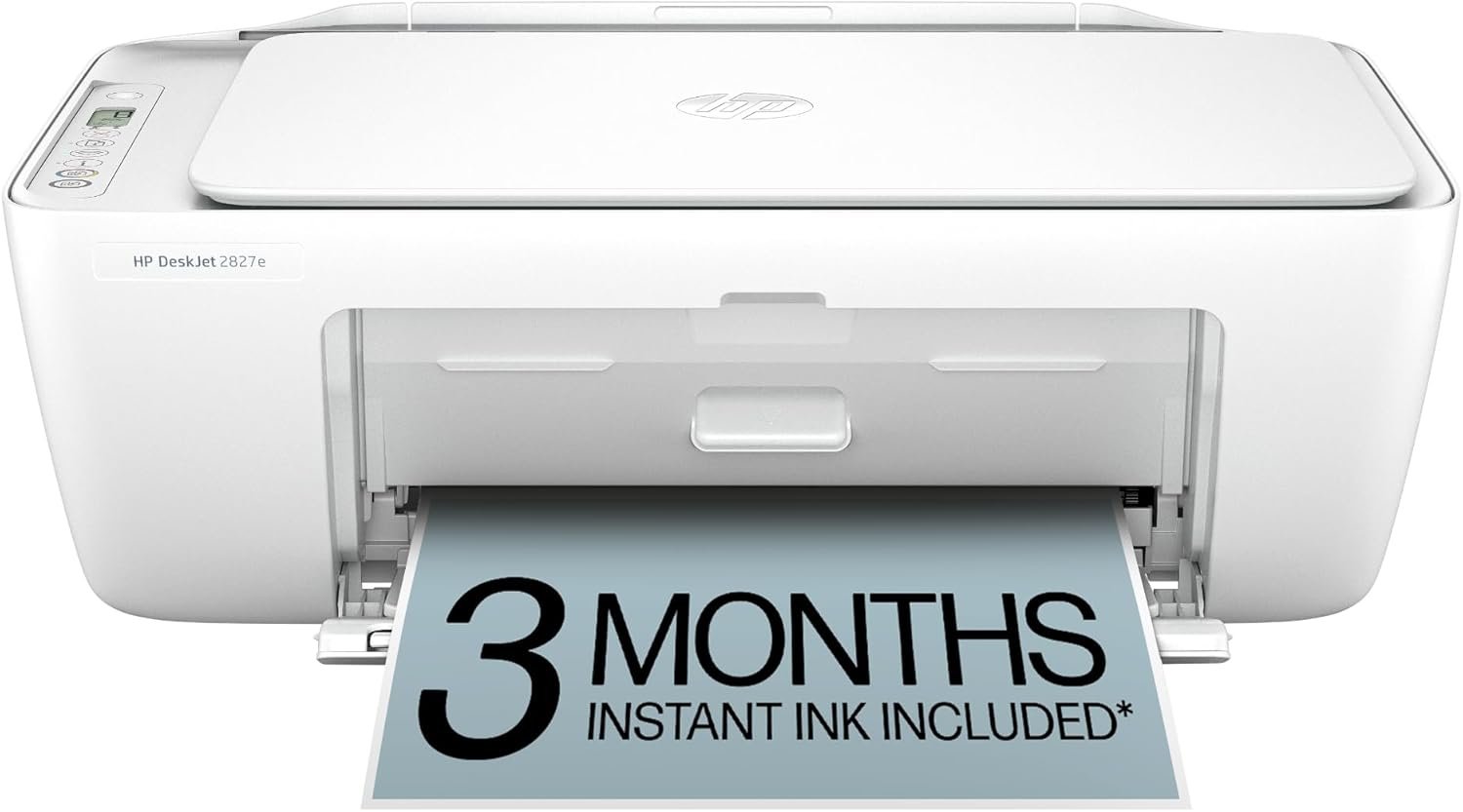
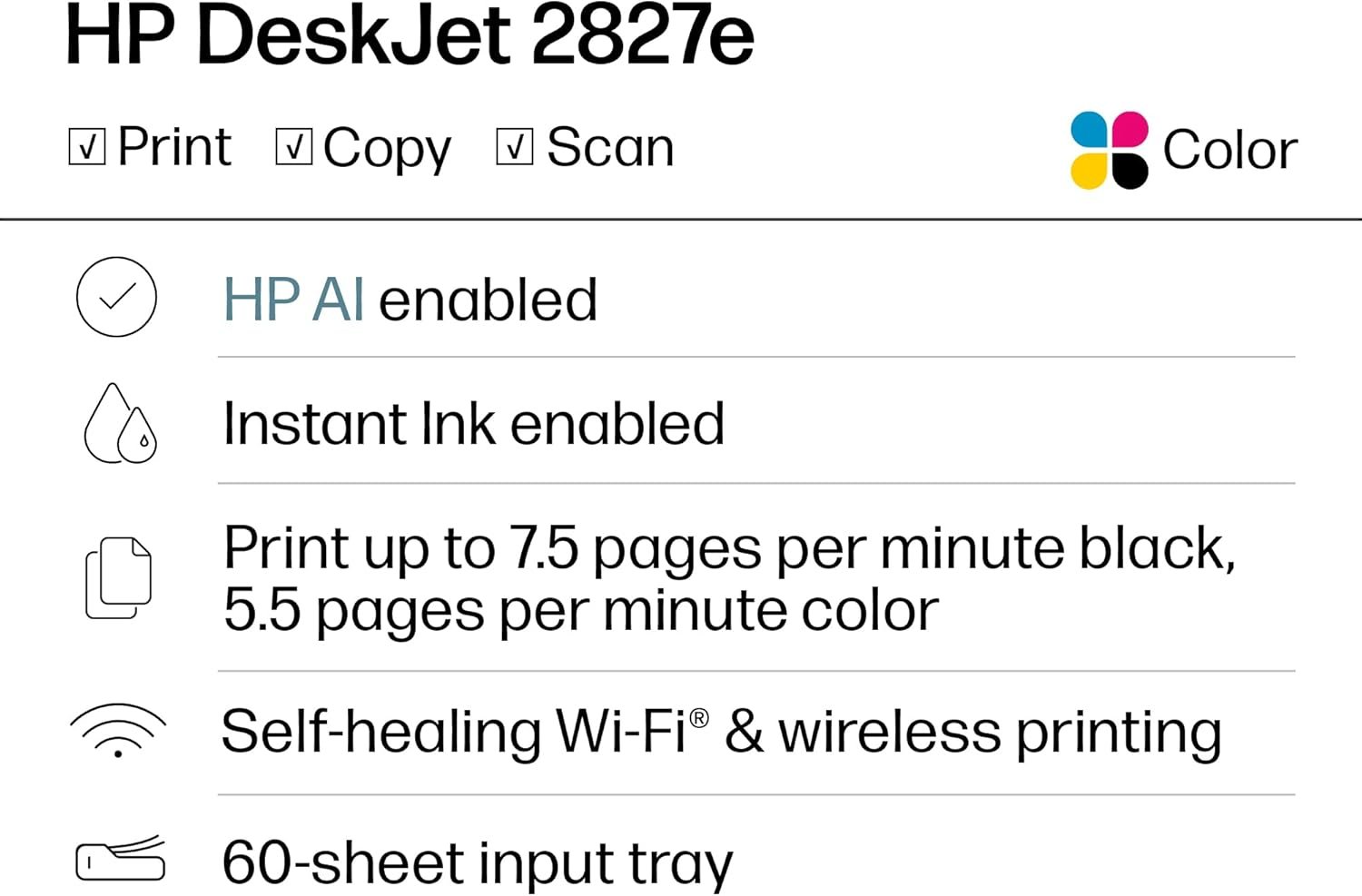
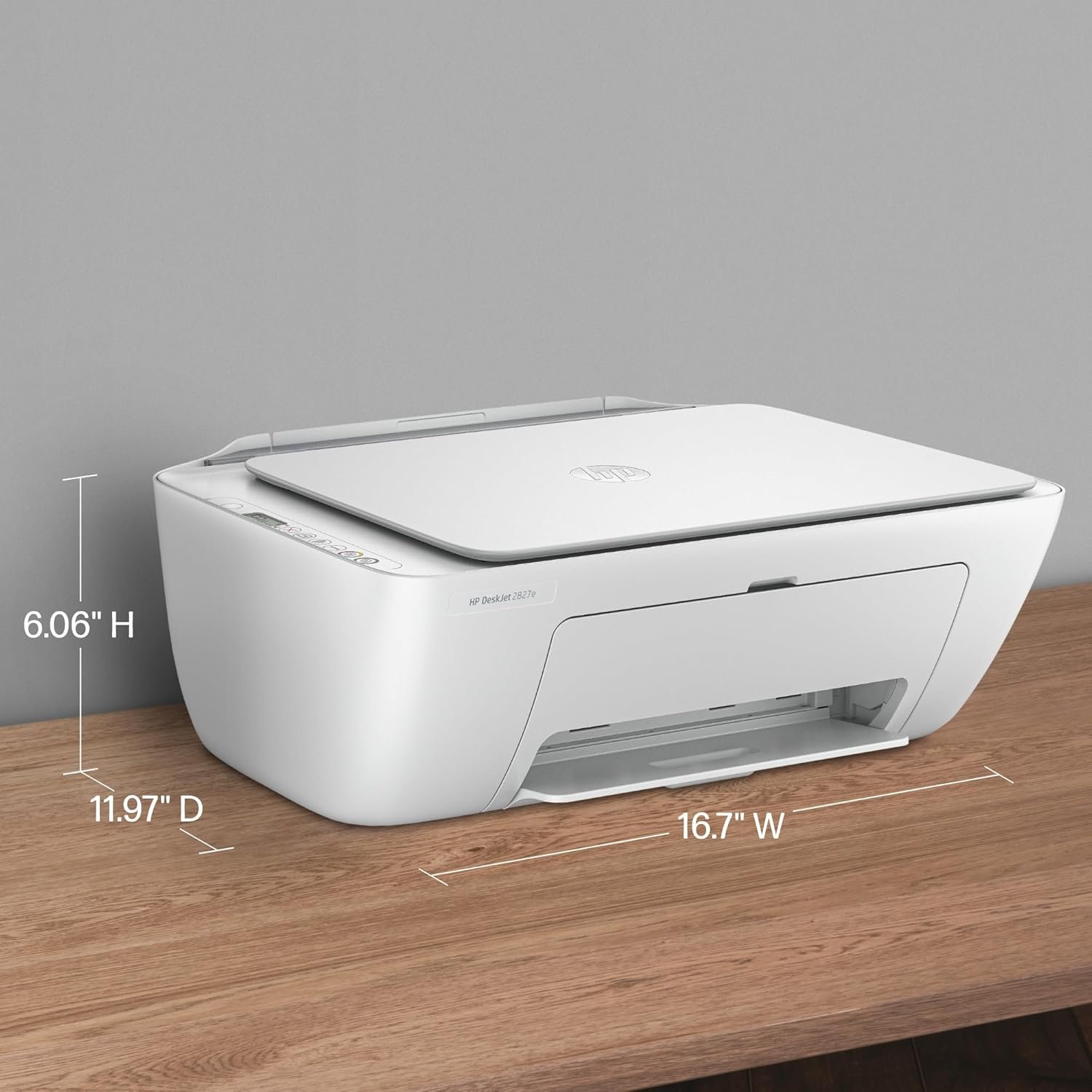
I recently purchased the HP DeskJet 2827e and was surprised by how practical it is for home use. It’s compact, attractive, and very easy to set up thanks to its Wi-Fi connection. I love that it’s an all-in-one: it prints, scans, and copies without any hassle. The print quality is very good for occasional documents and photos, and the included 3 months of Instant Ink are a great plus.
The only thing I’d improve is that it’s not the fastest printer in the world, but for home use, it’s perfect. It’s definitely a good option if you’re looking for something affordable, functional, and easy to use.
Maggie –
This printer has been a great addition to my home setup. It was simple to install, and the wireless connection works smoothly with my phone and laptop. The print quality is clear, and it handles everyday tasks like documents and recipes without any issues. I also appreciate the compact design and the bonus of three months of Instant Ink. Highly recommend for anyone who needs a reliable, no-fuss printer for home use. I just love it! 🙂
Ri –
This was no “easy set up” for me. I (for some reason) had an Ethernet connection versus WiFi…so had to resolve that first. Once I finally got WiFi connected, the rest of the set up wasn’t too bad…until I attempted to “add a printer” to my computer and was asked for a PIN number. Online instructions were I could find it within the documentation that came with the printer…..nope! What’s not mentioned anywhere is that once the printer is set up, a page will print with a PIN number. It actually took me about 2 hrs to set this up after finally finding all the passwords, PINs, etc. that I needed. I’ve had nothing but HP printers and have never had problems before. But I’m not sure I would buy a wireless one again. HP should look into evolving with just a small USB that you plug in…and be ready to print. If I can do that with a mouse and a keyboard, I think it would be great to do that with a printer as well. HP also need revised documentation; I understand that it may be quite obvious to the people creating the documentation but there are steps missing. Having said all that, I still believe HP products are worth it. UPDATE: Have realized now that you cannot turn the printer off and/or it will not automatically shut off unless you disconnect it from the WiFi and nowhere does it say it will automatically reconnect when turned it back on or if you have to re-enter a password everytime. Needless to say I am no longer enamored with this HP product.
Michael –
I purchased this printer primarily for printing from my iPhone. And, as far as interfacing with the phone it has been flawless. The three stars is due to the fact that I am getting “low ink” pop ups after having printed fewer than 30 pages. And, when I went to register for the free ink for 3 months program I noticed that the offer requires registration within 7 days of installing the printer. I don’t know about you, but I am quite busy with other things in my life. I’m not always able to immediately read 100% of the documentation that comes with the products I purchase. Why would HP put this 7 day limit on registering? The printer is obviously on the network and HP can see when it was installed and therefore they know when the 3 months are up. Anyway, the size of the printer is good for me; it’s relatively quiet (although my cat doesn’t really like when it starts a print job) and it looks fine (I’d say sleek, modern, neutral all apply). But, without even knowing the cost of these ink cartridges I’m assuming this will become an expensive printer over time. UPDATE: now it’s 25% off of the price I paid. There should be an automatic refund when the price drops like this w/in 30 days of purchase.
Amazon Customer –
Printer went out around 9/14. Error said replace ink. Replaced with new cartridges. Continue with E0 code, with the same error message. Purchase August 9. Called HP and they are closed. I have reordered new cartridges.