



Canon PIXMA TS3720 Wireless All-in-One Printer (6671C022)
Original price was: 74 CFA.44 CFACurrent price is: 44 CFA.
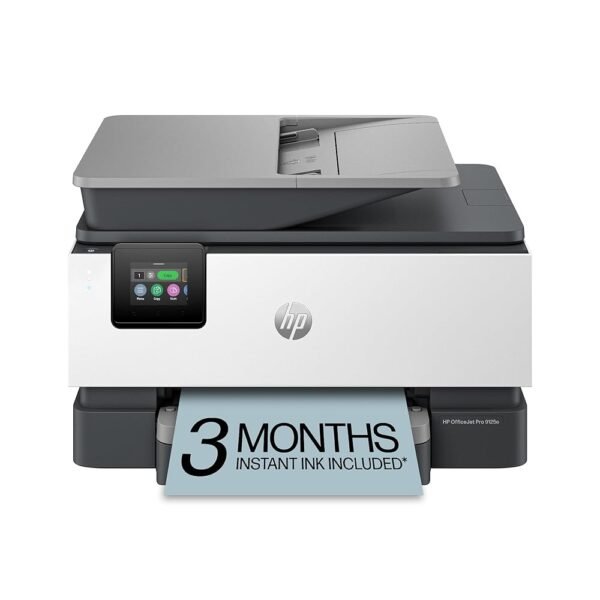
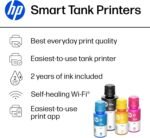
HP OfficeJet Pro 9125e Wireless All-in-One Color Inkjet Printer, Print, scan, copy, fax, ADF, Duplex printing best-for-office, 3 month Instant Ink trial included, AI-enabled...
Original price was: 264 CFA.179 CFACurrent price is: 179 CFA.
-27%
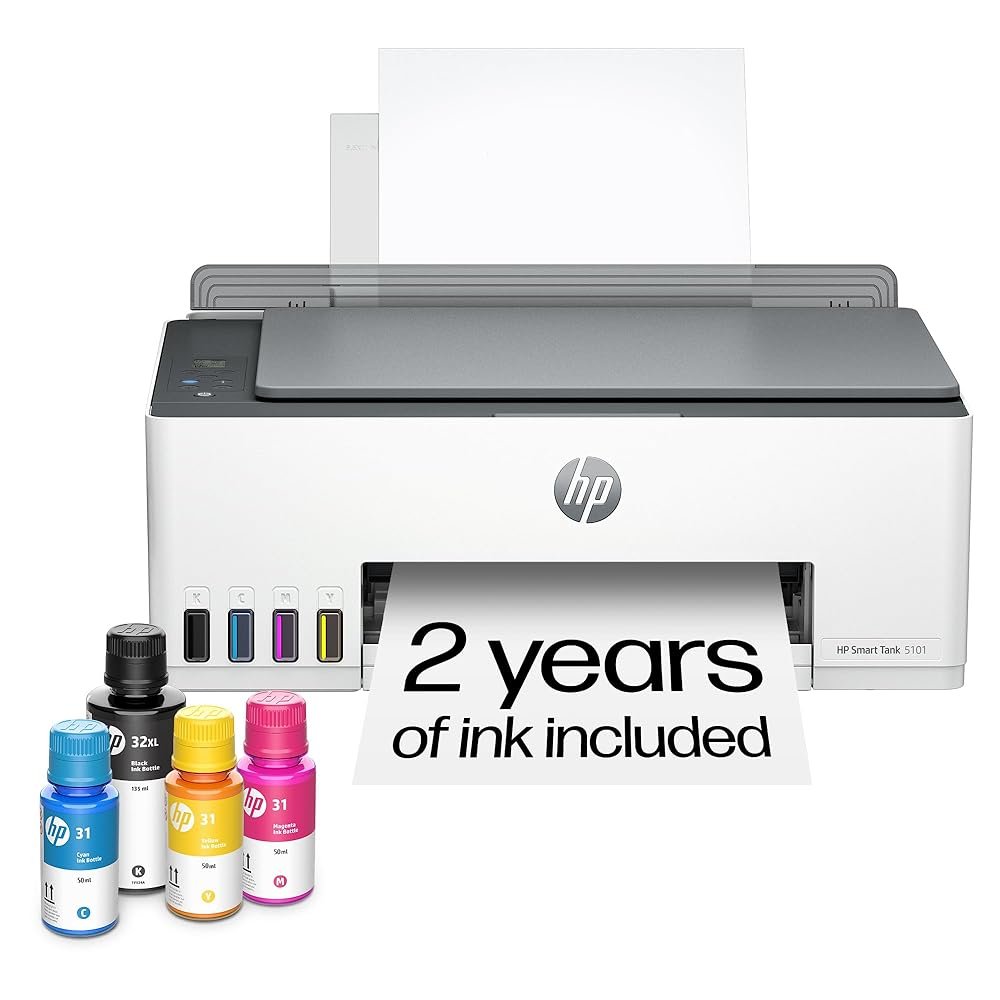
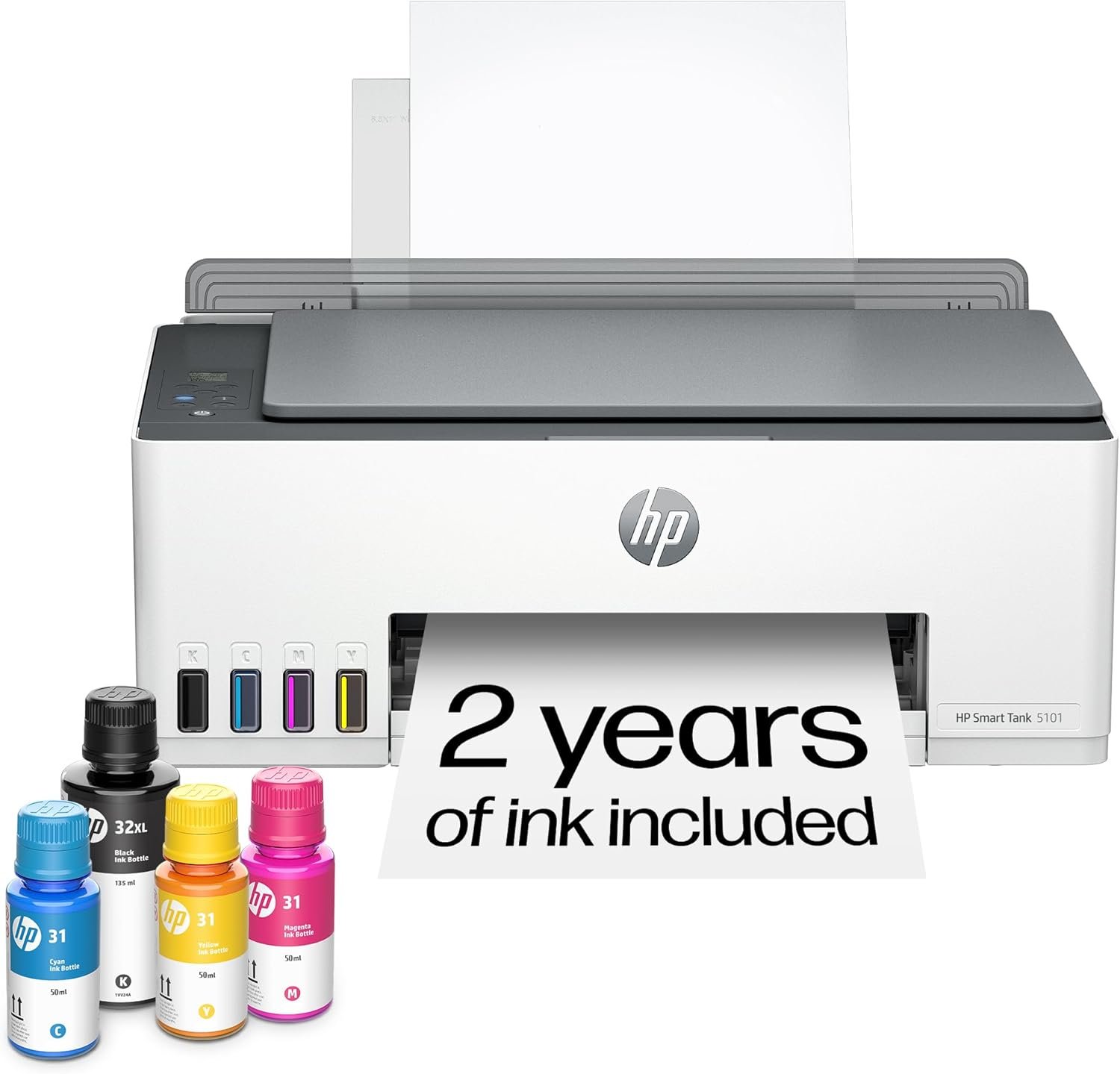
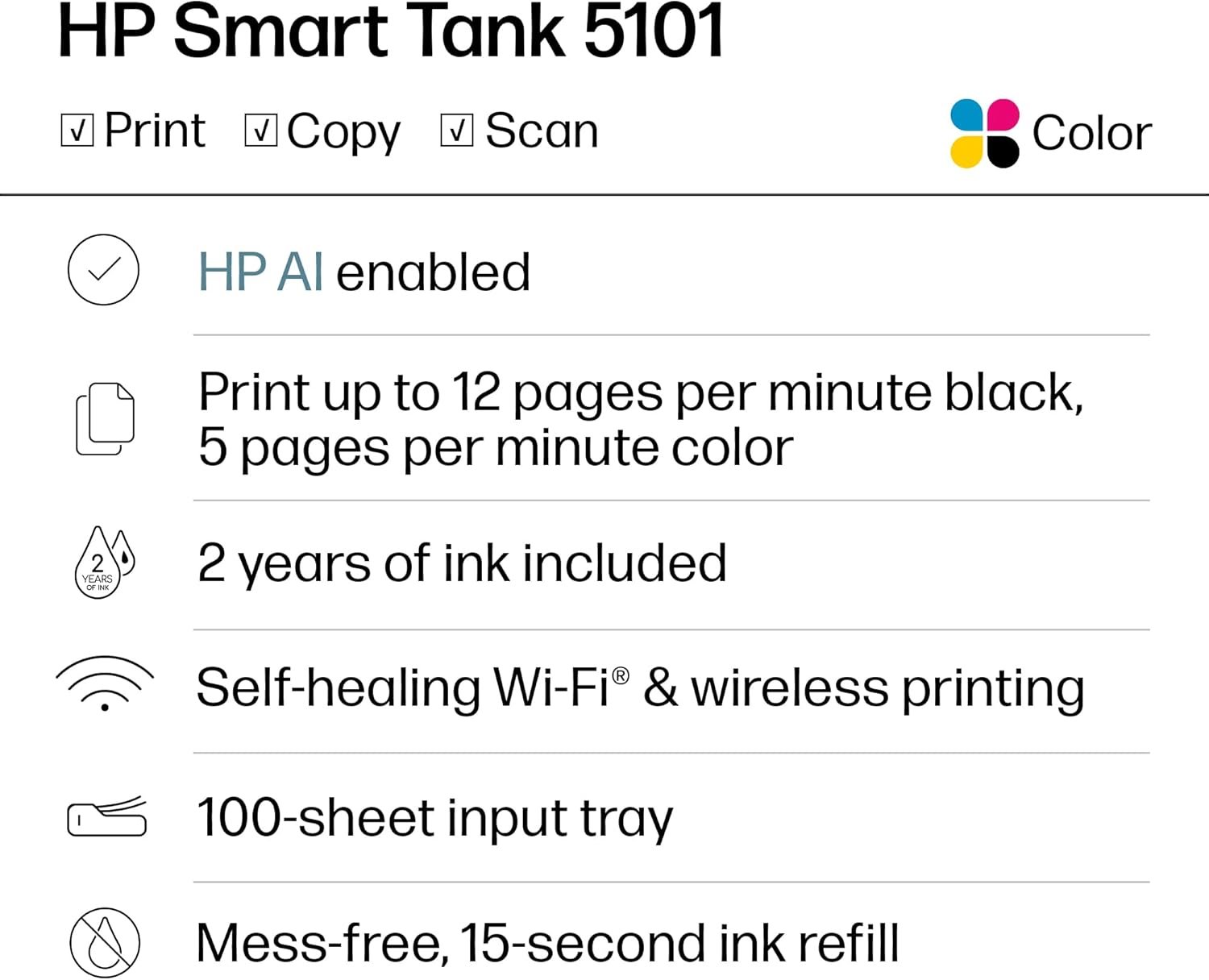
-
 Standard delivery
-
Express delivery
-
 Warranty 6 months
![[Bulk buying set] Panasonic LAMDASH shaver cleaning charger dedicated cleaning agents -6 pieces- (japan import) by Panasonic](https://xampda.com/wp-content/uploads/2025/10/bulk-buying-set-panasonic-lamdash-shaver-cleaning-charger-dedicated.jpg)

 Power Bank
 Mouse
Mouse
Deziree Boggs –
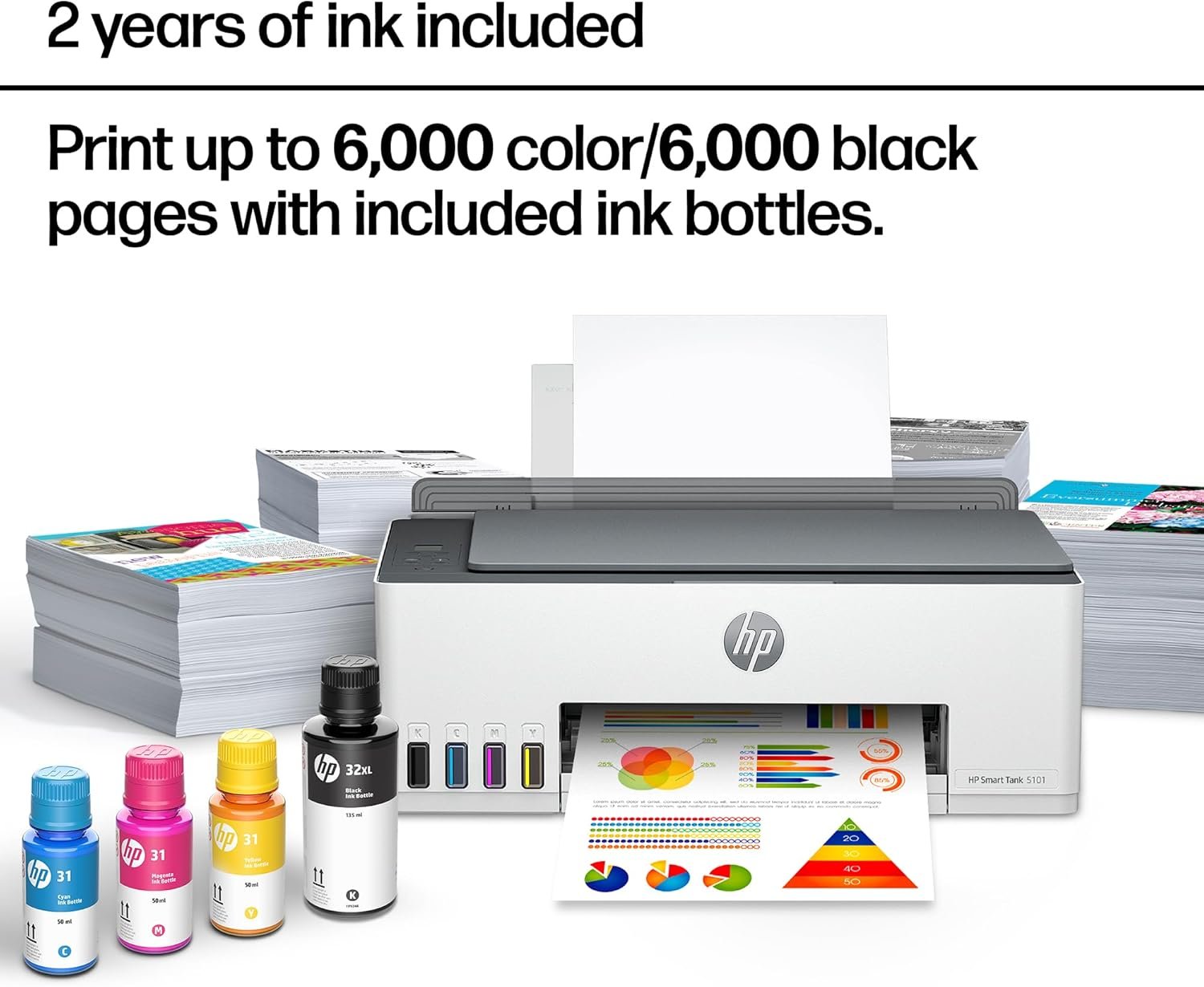
Good printer but a little slow. Not a big deal for my usage. The reason that I bought it was to break the cycle of very expensive ink cartridge purchases. The clarity is xlnt and the longevity is xlnt. Saving big $$.
D Newman –
Have had at least 6 months. Easy setup. Works fine. Prints, scans, etc. still using the original ink.
G. WILLY –
Our house burned down in the Eaton fire, and we had to get a printer in a hurry to process all the paperwork. After ordering and returning an Epson printer (that didn’t work at all,) we went for this one as a reasonably-priced option. Big mistake.
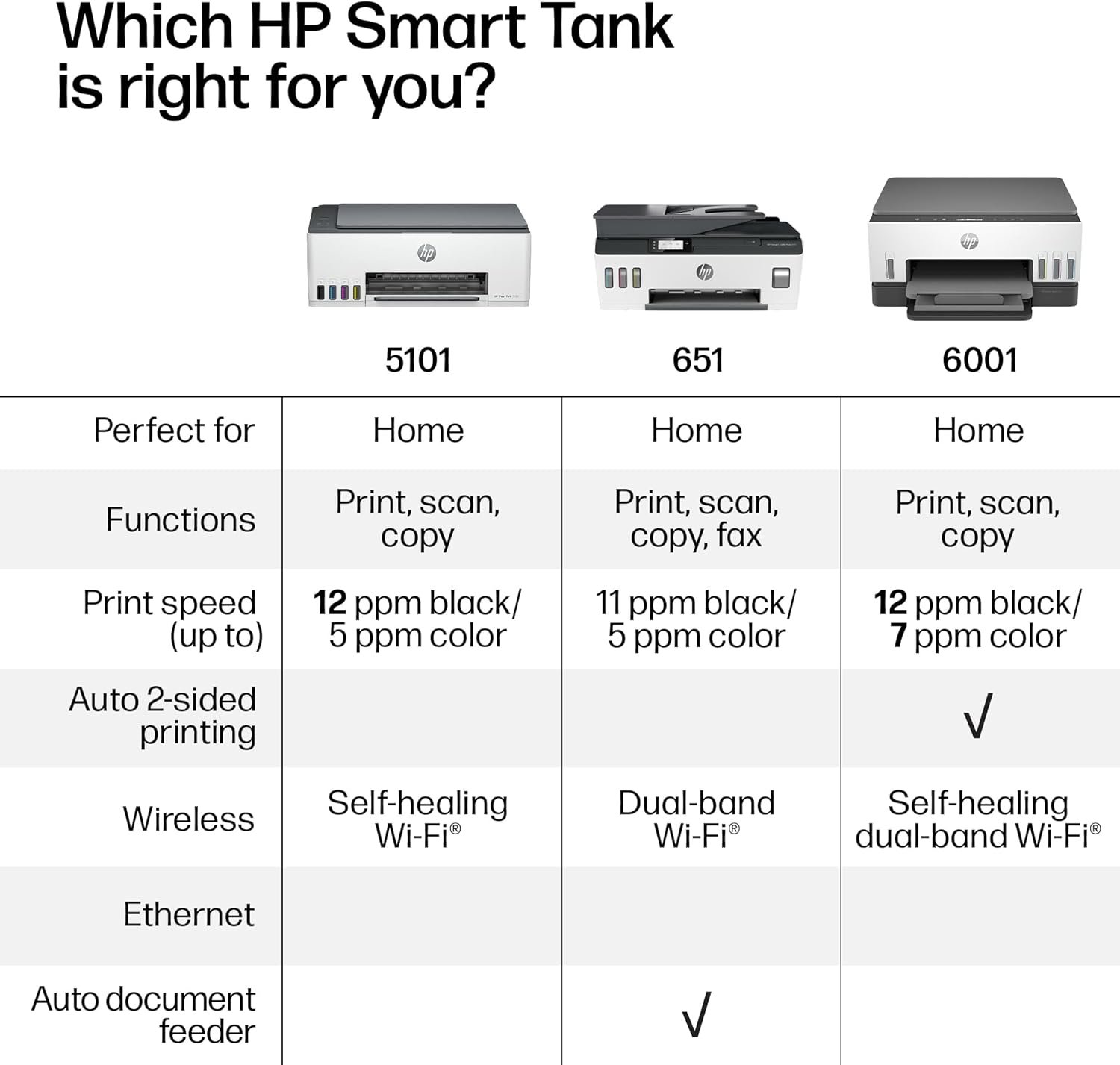
Yes, it works, except when it doesn’t. Many times a day it throws itself off our network, and can only be restored by unplugging and re-plugging it. There is no manual provided — you have to look things up on the HP website. Good luck. Keep the serial number handy. When lights are blinking on the panel — who knows what it means? If we run out of paper during a print job, the print job is over — putting in paper does not resume the print job, iit’s done. You have to restart from scratch, frequently including unplugging it from the wall and re-plugging it again — and odds are it will spend several minutes grinding and moving, and has no desire to print anything. Seriously the worst printer we have ever had. And then, of course, you’re held hostage for HP ink. Looking to repace it soon. DO NOT RECOMMEND!
Amazon Customer –
I honestly don’t know why HP gets so much flack other than the price of their inkjet cartridges, which is exactly why I went with this printer. It appears as sturdy as my other HP, and setup was super easy. I’ve only done a couple of prints so far, and the color quality is incredible! I was worried with our poor internet that it would have trouble connecting, but it connected instantly with no issues. The scanner works just as well as it does on my inkjet, so I’m thrilled that I bought this. Absolutely worth every penny!
STRM –
I have a professional strength Epson ecotank that was about $1,400. I had a client though and my Epson is a pigment based printer and the paper I had for this client’s wedding would not take pigment based ink so I bought this cheap inkjet to try and complete my order. I was able to di the order (although the black ink is pigment based so it caused a bit of an issue) but I have consistently found that this HP prints better, more vibrant, more true prints than my MUCH, MUCH more expensive Epson. Plus, the Epson’s printheads become clogged easier than this HP (the HPs have never clogged even though I do not use it often). It does print slowly and I have never been able to connect it wirelessly but, for the cost, the prints are outstanding.
Dean S –
I bought this just under a year ago by mistake, actually. I’ve owned HP Officejet printers in the past and after disappointing print quality and expensive cartridges, I decided to buy an Epson Eco Tank for home use. Was so impressed with it, I decided to get the same one for the retail store I own. Logged onto Amazon typed in EcoTank and this HP popped up first and for some unknown reason I thought it was the Epson and purchased it.
I have had non-stop issues from day one. First it doesn’t have an ethernet port, only works on 2.4 GHz Wi-Fi (so I have to run it on the same network my security cameras are on). I print out a lot of purchase orders and I am constantly battling with this printer to print out just ONE complete 3 page order. It will print the last page, then half of the next and then I get an error message “error cannot print document”. Sometimes it won’t even print a one-page document. I might get half a page and that’s it. I reboot printer, computer, uninstall, reinstall, use the HP smart app. Uninstall the app, reinstall the app. Nothing helps. I have 2 laptops at work and both have the same issue. I even installed it using the USB cable and it makes no difference. I worked in IT for 25 years, so I think I know what I’m doing, but after a year of this foolishness I think I will let the next delivery truck run over it and go out and get an Epson like I should have done in the first place. Not one problem with the Epson that I have had for a year also.
DOUG JR. –
This printer rocks! I love the ink tanks as a huge improvement over the old tech individual cartridges which were expensive and did not contain much toner. I replaced a 15 year old HP that finally gave up the ghost. Highly recommend and would buy again.
Deziree Boggs –
Capability-
Honestly, the best purchase I’ve made of 2025.
I have printed over 3000 pages and it’s still working great. Honestly, completely worth the price you’re paying for. I print probably about four days out of the week and I’ve had the printer since February.
Color quality-
Does amazing but sometimes too saturated if there is a colored filter on the photos. You can always adjust the settings in the app.
Ink capacity-
I have printed over 3000 pages and around 40 photos and I’m still working on the same ink bottles I got with the printer.
Scanning capabilities-
The scanner works great other than it prints at a much slower rate. Also, I’ve used the scanner so much it now squeals a little bit.
Compatibility-
I print solely from my phone and it works great. If you’re printing from the app, you can’t use your phone while it’s printing but if you print from your google drive, you can still use your phone and leave the page.
Hotspot-
Using the printer from your mobile hotspot is a hit or a miss sometimes it works great and sometimes I have a little bit of trouble but that might be because of where I’m at. Majority of the time I have no issues.
I’ve been printing safety data sheets for my work and those are 12 – 15 pages long and when on my hotspot, I can only print 3 copies of the packets if I try and print 4 copies of the packet it doesn’t work.
Ink filling-
Easiest process in the world. Never a mess.
I’m giving this product a four star for the fact that sometimes I have connectivity issues when printing off my hotspot, but that may also be because of the area I’m in.
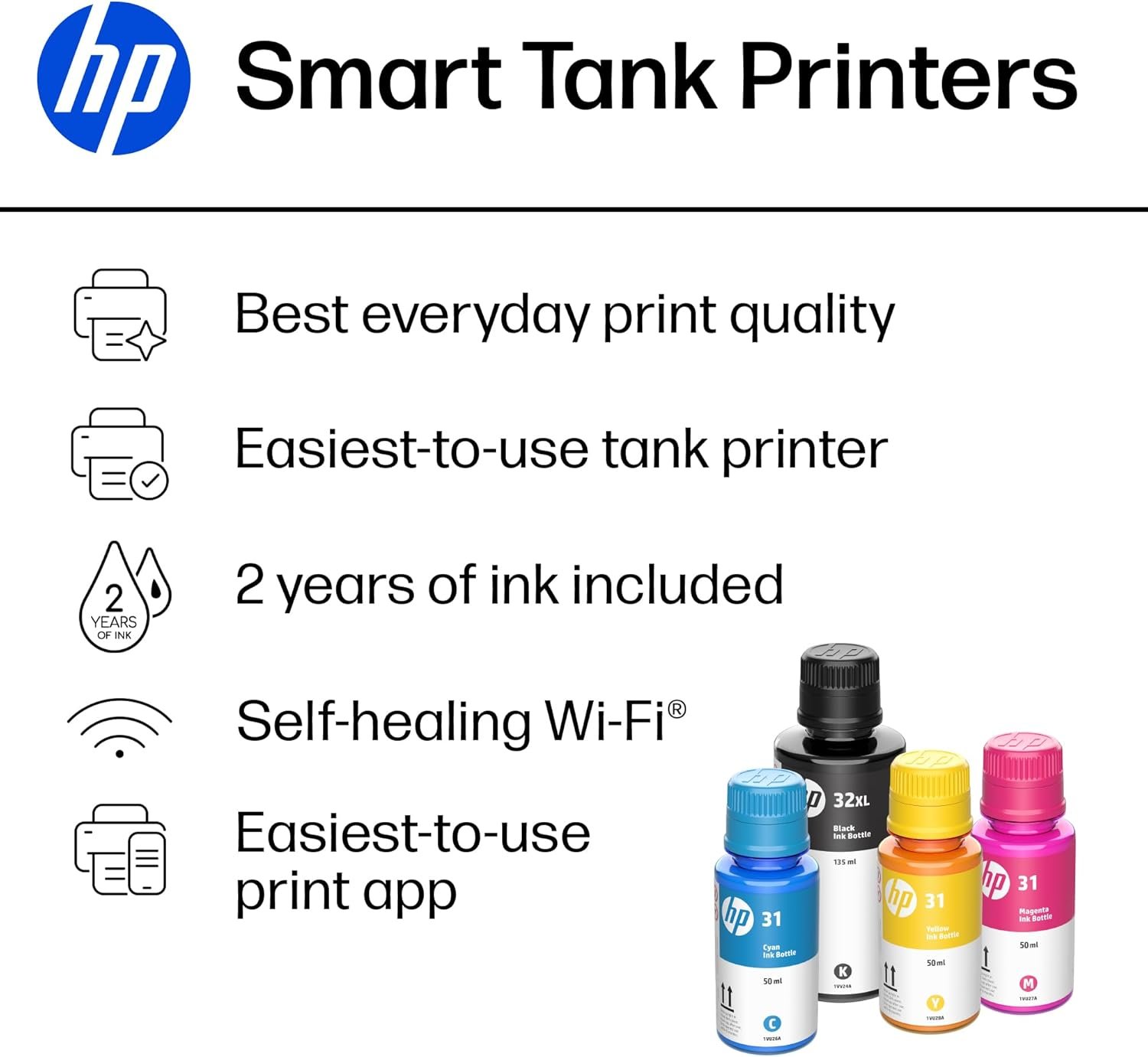
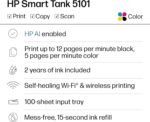
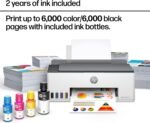
The only thing I have not figured out is to get the unlimited ink for two years. I also haven’t run out of ink so I have not had to deep dive into that.