


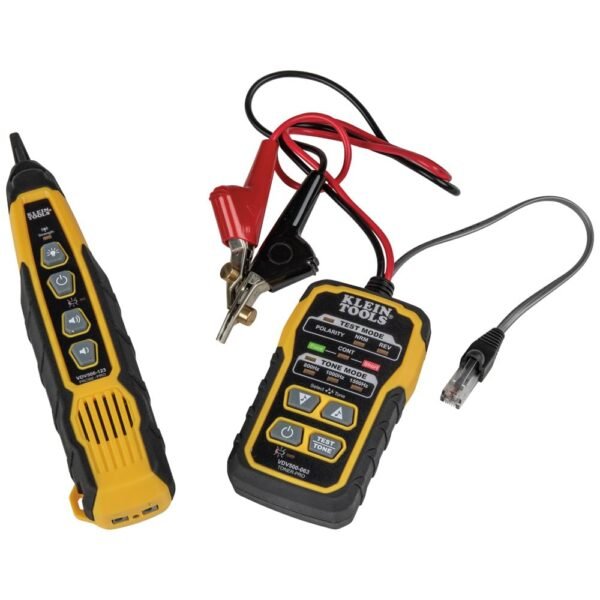
Klein Tools VDV500-820 Wire Tracer Tone Generator and Probe Kit Continuity Tester for Ethernet, Telephone, Speaker, Coax, Video, and Data Cables, RJ45, RJ11, RJ12
Original price was: 84 CFA.76 CFACurrent price is: 76 CFA.
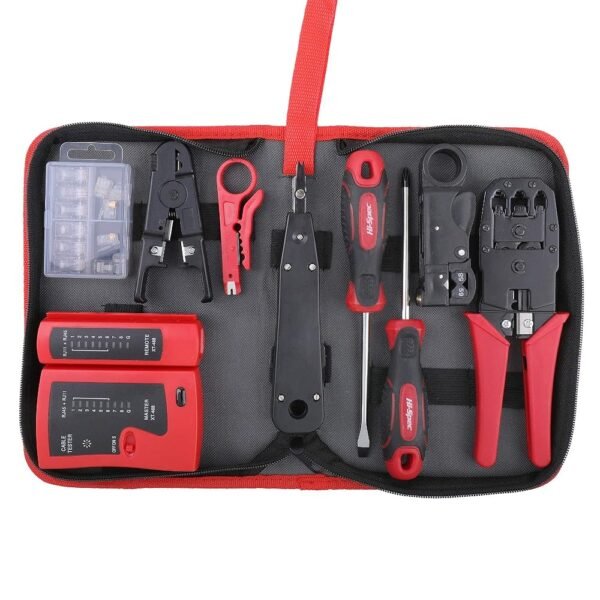
Hi-Spec 9pc Network Cable Tester Tool Kit Set for CAT5, CAT6, RJ11, RJ45. Ethernet LAN Crimper, Punchdown, Coax Stripper & More
Original price was: 34 CFA.31 CFACurrent price is: 31 CFA.




-
 Standard delivery
-
Express delivery
-
 Warranty 6 months
![[Bulk buying set] Panasonic LAMDASH shaver cleaning charger dedicated cleaning agents -6 pieces- (japan import) by Panasonic](https://xampda.com/wp-content/uploads/2025/10/bulk-buying-set-panasonic-lamdash-shaver-cleaning-charger-dedicated.jpg)


 Power Bank
 Mouse
Mouse
Rory Ronald Gile –
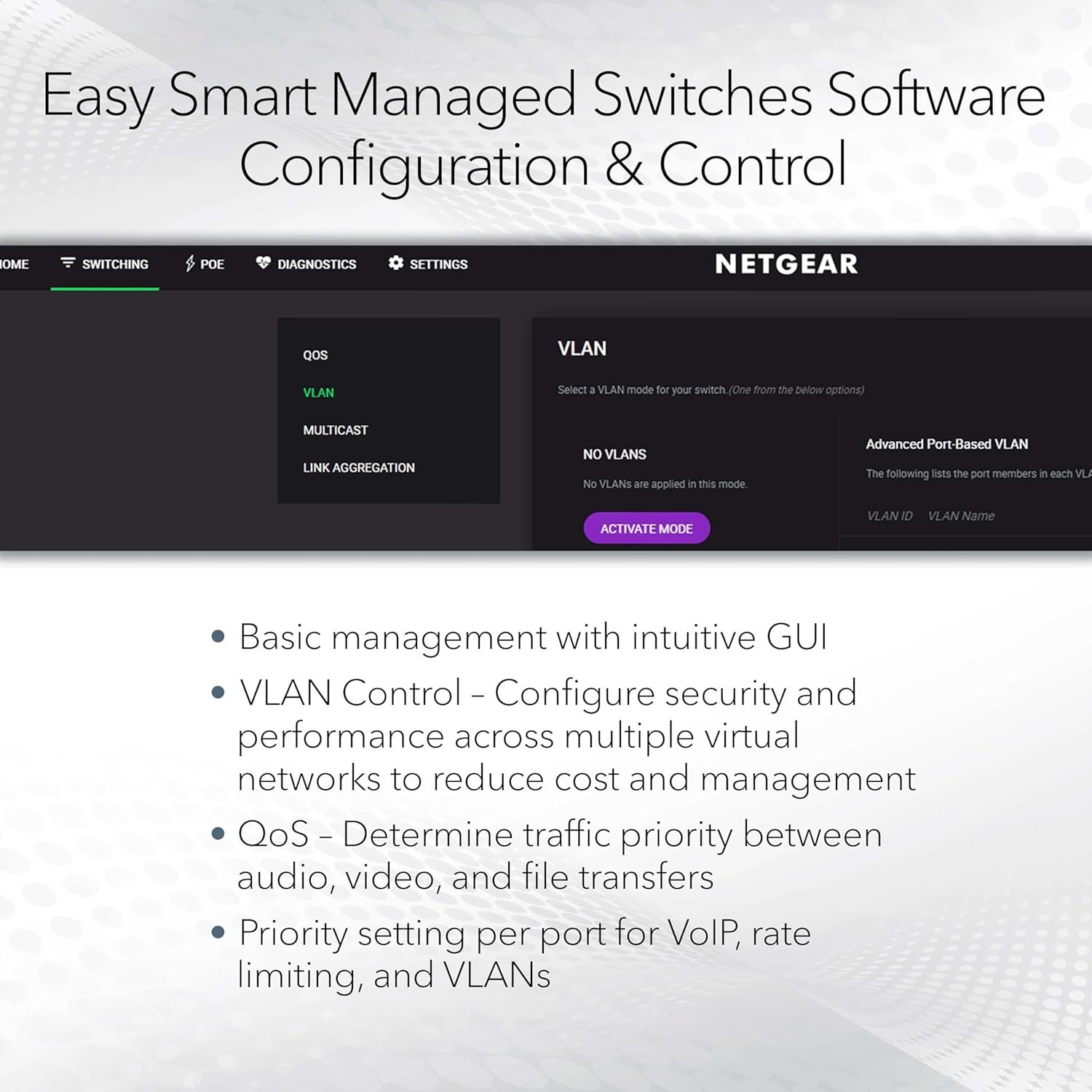
Very well built with great software management software!
Enrgy52 –
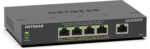
Fantastic value. Compact, reliable, and perfect for remote or network rack locations. Works exactly as expected — I’ve used several and they’ve all been rock-solid.
Timothy Oliver –
I have bought a few of these for use on our campus and I can say that they are basically a steal for what you get. Not they don’t have their issues. Here are my pros and cons:
Pros-
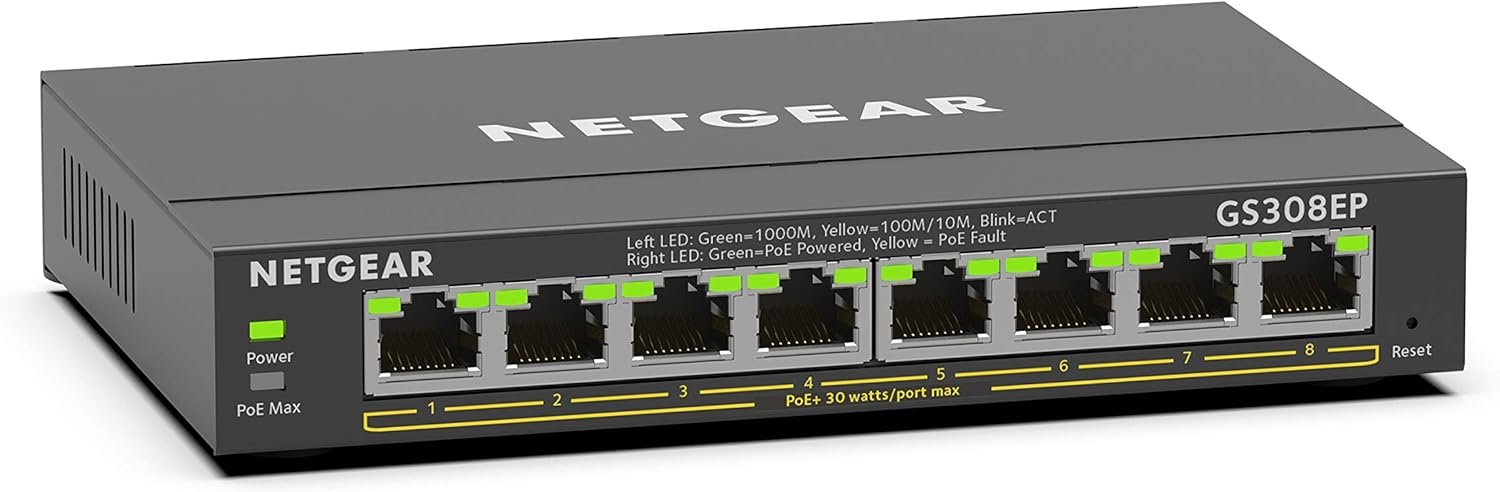
Price- Bar none this is the cheapest managed PoE switch I have been able to find. At $7.50 a port its basically unbeatable. Most commercial switches I have had quoted come out to about $30 a port. Yes greater functionality at that price, but not worth it if you don’t need them.
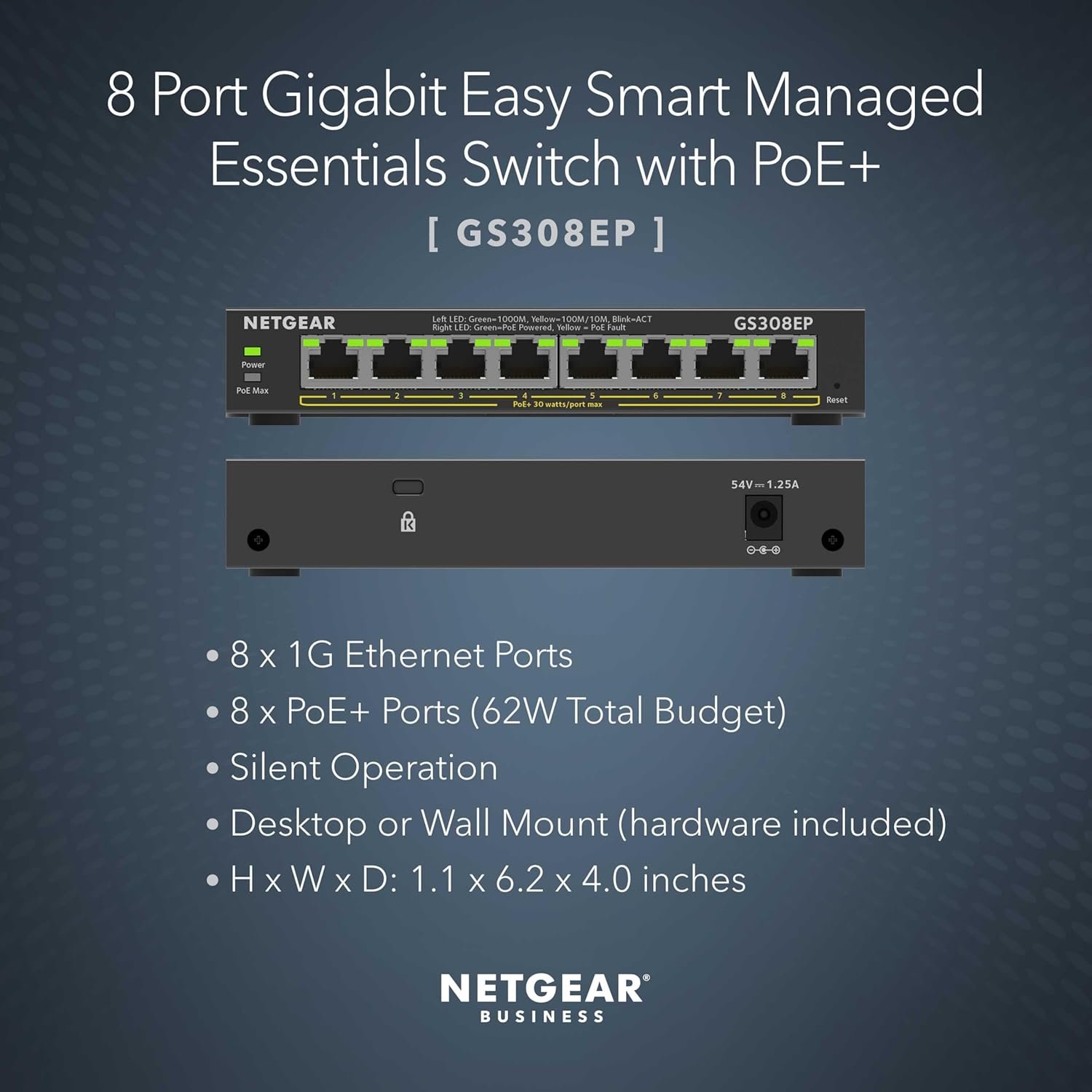
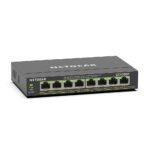
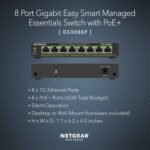
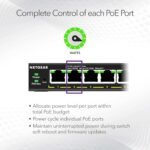
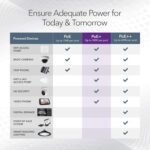
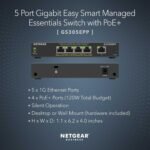
Power- It actually has a decent power budget. 62W over 8 ports which averages out to about 7.75W per port. This is plenty to run low power applications such as security cameras. You can still run things such as wireless access points, but don’t expect to fully populate the switch with them. (Edit) If you are in need of a greater power supply per port, the GS316EPP has an astounding budget of 231Watts which works out to about 16W per port. Should be enough to power just about anything but the most power hungry PoE devices.
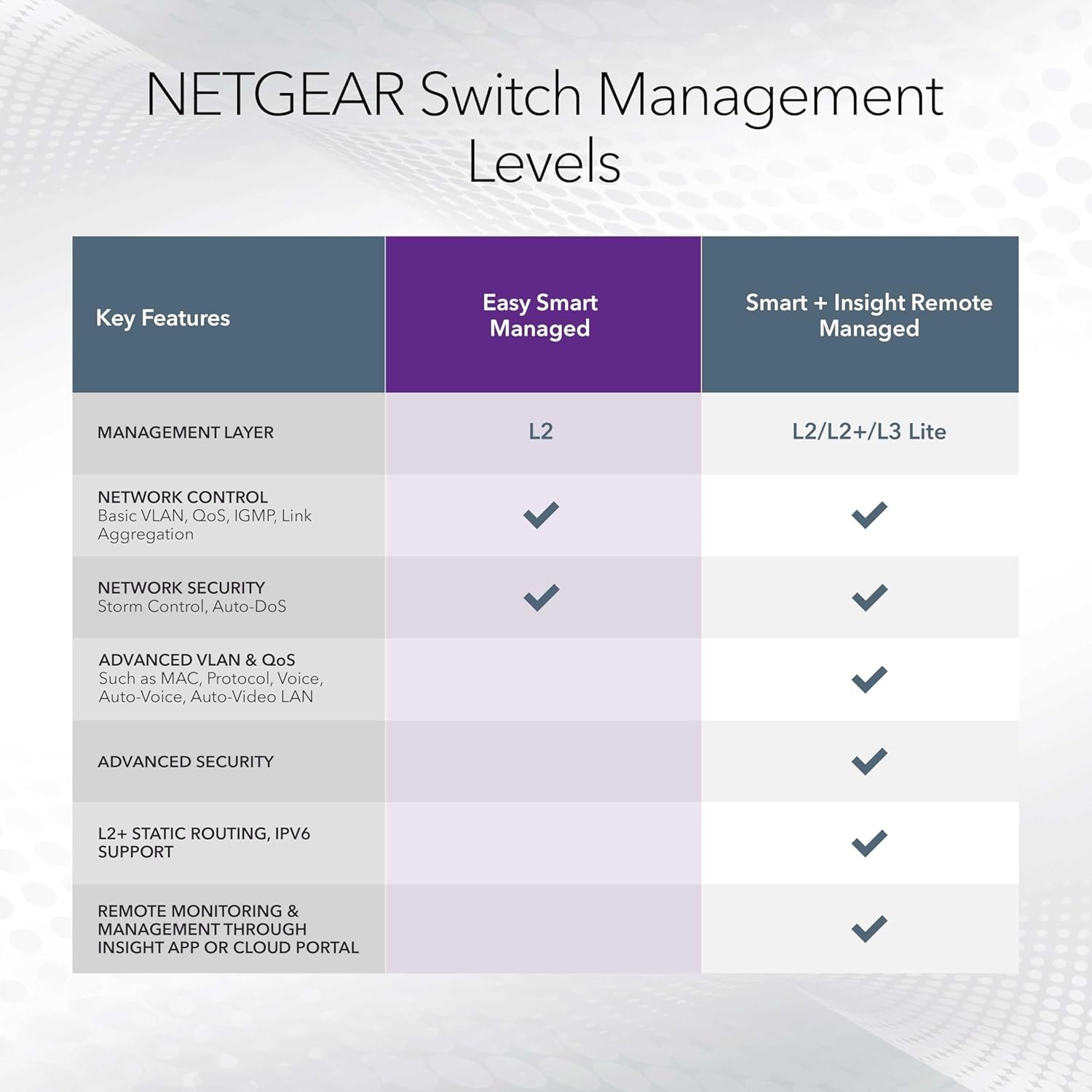
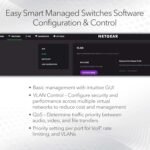
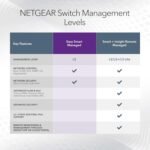
Management- The fact that its actually manageable at this price. The features available are not spectacular by any means, but you probably are not buying this if you need in depth QOS settings. You can fully manage both the power and VLANs on it which is more than sufficient for basic networking. It does have a free management software that you can use, thought it does have some serious limitations.
GUI- The web GUI is pretty straight forward with the home screen providing most of the basic device settings at a glance. Switching tab aside, settings are clear and concise. They also have helpful descriptions for those less familiar with networking terminology.
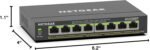
Bandwidth- All 8 ports are gigabit capable and the switch does allow port aggregation allowing for a greater outbound bandwidth from the switch if you have a few high volume devices plugged into it.
Cons:
Management- As previously stated, this certainly isn’t a state-of-the-art device. QOS settings are limited to bandwidth controls and only the most basic of Multicast settings are available. The free “central” management software also has a major limitation. It only works if the switches are in the same network as the computer/server hosting the management software. If your computer is in 192.168 and your switch is in 172.16, it will never find it. This isn’t an issue if you are operating a flat network or have a management VLAN.
GUI- Overall the GUI is great, but the VLAN management is very annoying to work with. For starters, the VLAN modes are not particularly well described, so figuring out which one does what you need is a matter of trial and error. The Advanced VLAN Management is particularly painful to work with, though it does offer the greatest flexibility in settings. This is primarily due to the interdependence of the PVID table and the VLAN port assignments. To change the PVID setting on a port, you must have the VLAN you are changing it to assigned. Or if you want to remove an assigned VLAN, but its the PVID, you must first remove change the PVID before you can remove it. These are on completely separate pages requiring navigation between the two when tweaking the settings. If you are going to be changing these frequently, be prepared to spend a lot of extra time doing so. Though less irritating, having to click edit on each individual VLAN to manage its assignment to ports is unnecessary and could have easily been on the main VLAN management page.
CLI- Or lack thereof. For those of you who much prefer Putty to a web browser, that simply isn’t an option.
(Edit) Mac Table- Zero access to what is one of the most useful features in switching. Figuring out what is plugged into what port without it is basically just unplug the cable and see what goes down. Not great great for high availability devices and end users.
TLDR: Best bang for buck for a managed PoE switch that you can find. Great if you need something just above plug-n-play. Just expect a configurable feature set comparable to the price.
Christopher A. Griffin –
I didn’t have enough network runs to my office and this little switch has done great feeding off our main switch stack; no issues.
Ericmtzr –
Fácil de administrar, interfaz amigable.
Michael L Roberts –
got the netgear was able to setup and login quickly. configuration was kinda Buggy. registered the Netgear. down loaded the discovery tool the configuration tool and the latest firmware. logged in to the Switch updated firmwar. and the switch rebooted. once rebooted it found evwerything and all the config settings worked. update to firmware 1.0.14 or higher. but it was straight forwards and super easy to setup. i have 2 other POE Security Cameras on order. and did not want to setup single POE adapters for each camera. as i dont have enough outlets for that. this worked fine. 🙂 Received it same day which made it much better for me.
Dante Page –
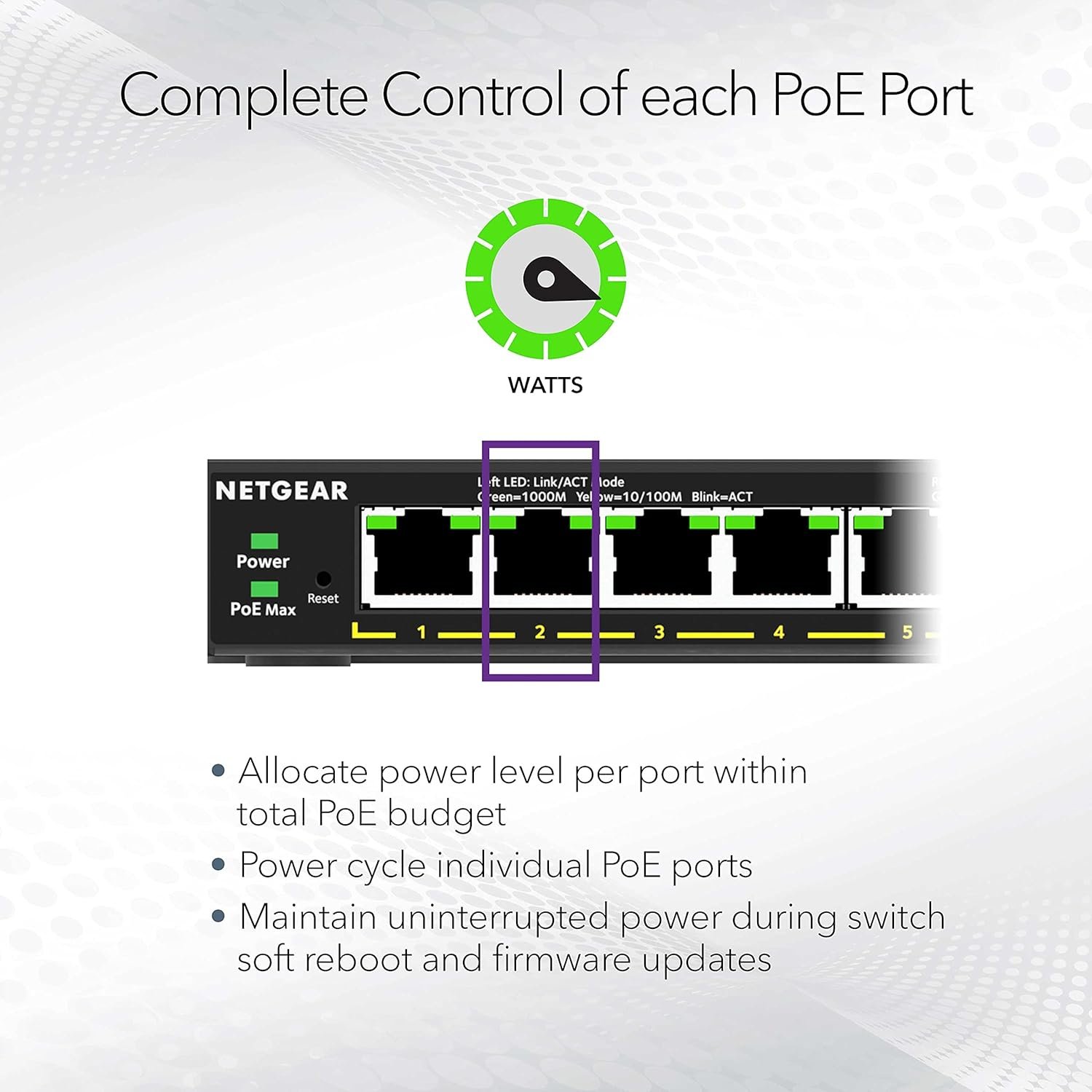
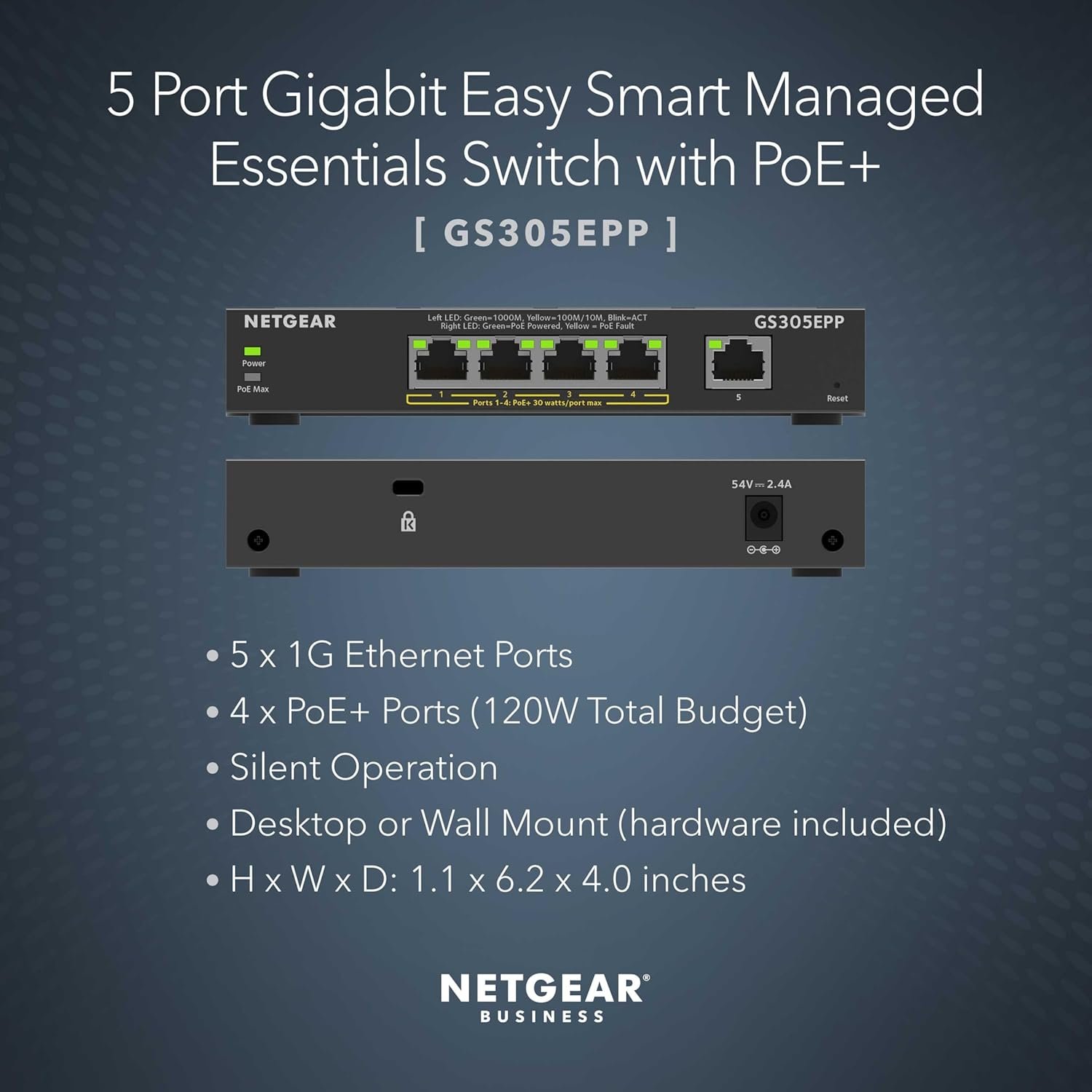
I’m using this switch for a home network, powering a tablet kiosk, and an access point and at the same time disabling some ports to just provide the data for smart TVs, work laptop and a Mac mini. It’s a great option to be able to combine a switch with POE instead of using it separate injectors that just require additional outlets for power. At least in my application, it’s working really well and I’m pairing it with a USB-C splitter from POE Texas for powering my tablet that uses WiFi. The switch allows me to disable the power and also allows me to adjust the amount of wattage to come out of each port. Very satisfied , however, it would really be great if these 5 and 8 port switches had rackmount options from the manufacturer but there are some sellers on Etsy that 3d print rack options for some of the more popular smaller switches
K –
Works great for my home network. I just need a switch that can configure vlan and support 2.5gbe this works perfectly. Plus, it has POE and POE+. There are not many cheap options on the market but I got it with heavy discount from Amazon Warehouse. Really nice
Robert Rodriguez –
Used it to add 3 ip cameras to my nvr using a wifi bridge. Workes great!
Chris Radicke –
Switch ist nicht mal 1 Jahr alt und schon defekt
Osama –
ويعمل مع الاكسس بوينت وكاميرات هيك فجن بشكل ممتاز
Matthew Palmer –
No issues with the switch itself, but the external PSU failed after about 3 months. Replaced the PSU and all working again..
Robert Fiedler –
I love these switches. I have used these in several telecom builds over the years and this is my go to switch. They are easy to setup and program if needed. The quality and reliability are outstanding. As a general rule I always buy a second one in case of a failure, however I haven’t had to use them yet. They provide great speed and stable power.